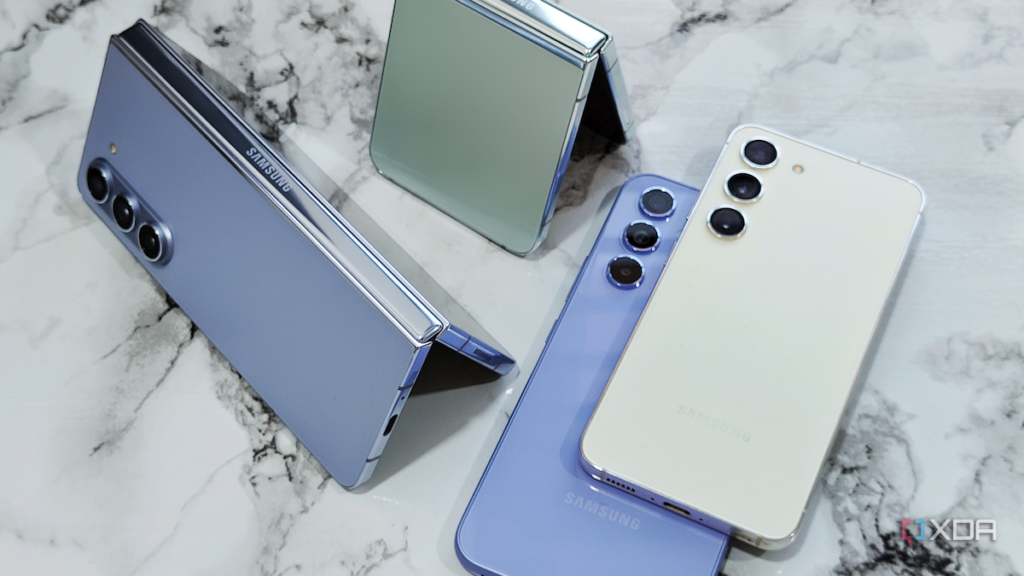
Samsung would like to take away the ability to send notifications from applications that are constantly displaying ads to users via push notifications. The Samsung Device Care app update aims to safeguard users of Samsung Smartphones against the intrusive developers.
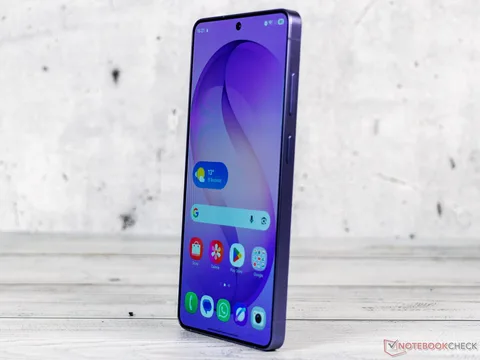
Samsung Device Care app includes a variety of features to determine which apps are using too much power or memory, and includes battery protection features. With the updated version 13.8.80.7, a function has been added that should block unwanted push notifications.
Samsung dubs this “Intelligent Blocking” feature, and it is designed to analyze push notifications to determine if they’re advertising. If an app starts sending push notifications with an advertising intent more often, it gets “deep sleep” and is unable to send any more push notifications. The distinction between advertising and non-advertising push notifications is not always accurate, Samsung says. You can unblock an app in the Samsung Device Care app settings if you don’t want to miss the App’s push notifications.
This new feature of the Device Care app is first available on smartphones with One UI 8.5 such as the Samsung Galaxy S26 ($799 on Amazon), the Galaxy S26+ or the Galaxy S26 Ultra. If you avoid these stores by sideloading (directly downloading the app from its developers), you can indeed get version 13.8.80.7 on platforms like APKMirror, an older version is still being passed around in Samsung Galaxy Store and also in the Google Play Store. The update will no doubt take some weeks before it is released to all the users of compatible smartphones through the official channels of the smartphone manufacturer.
Source(s)
Samsung Galaxy Store | Google Play Store | APKMirror | Sammyguru