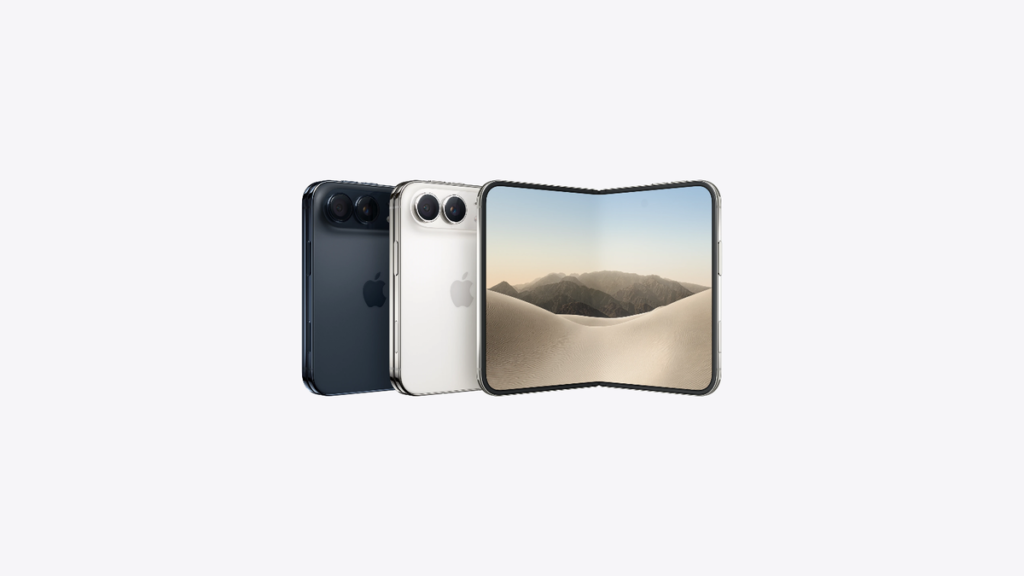
Apple has added iPhone Duo face unlock in the second iOS 27.3 developer beta, released Monday. The feature uses the foldable’s cover camera to open the Lock Screen. However, it carries strict limits, and Touch ID still guards payments, passwords, and apps.
Key Takeaways
- iOS 27.3 beta 2 lets iPhone Duo owners unlock the closed phone with its cover camera.
- The feature is not Face ID, and it pauses after 45 minutes without a Touch ID check.
- Apple Pay, passwords, and protected apps still require Touch ID or your passcode.
Watch: iPhone Duo has some really cool features, our earlier tour of the foldable’s standout tricks.
Key Details: How iPhone Duo Face Unlock Works
According to 9to5Mac, the new toggle sits inside Settings, under Touch ID & Passcode. Specifically, Apple names the option Unlock with Front Camera. Once switched on, the Duo recognises your face and opens the Lock Screen. Setup asks you to turn your head slowly left, right, up, and down. Consequently, the phone learns your face from several angles before it trusts the match.
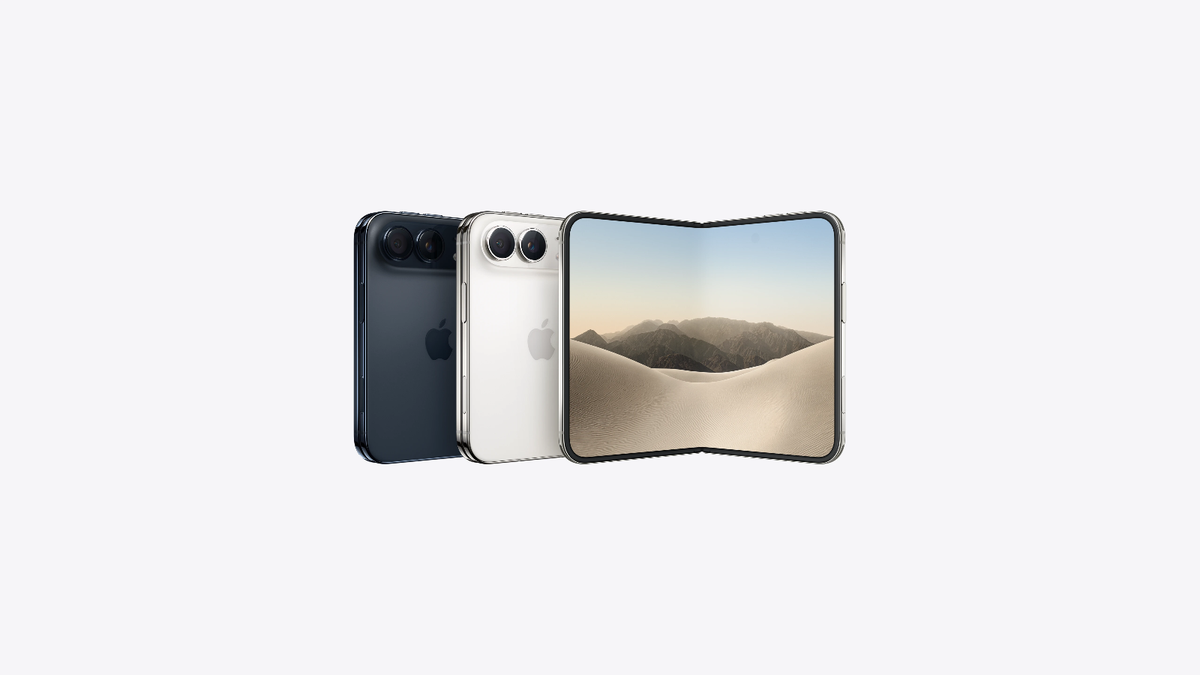
Importantly, the face unlock only opens the Lock Screen itself. Therefore, Apple Pay still demands Touch ID at checkout. Similarly, saved passwords and protected apps still require Touch ID or your passcode. Furthermore, the feature refuses to work whenever the Duo sits unfolded. In Settings, Apple states that face recognition data never leaves your device.
Context & Background
Apple unveiled the iPhone Duo, its first foldable iPhone, on September 9, 2026. Sales followed on October 23, with prices starting at $1,999. Notably, the ultra-thin design left no room for the TrueDepth camera array. As a result, the Duo shipped with Touch ID inside its side button. We flagged that omission in our look at what Apple didn’t tell you at the 2026 event. Reviewers kept repeating the same complaint after launch. According to TechCrunch, the missing Face ID ranked among their top gripes. Now, Apple answers that complaint with software instead of new hardware. For the hardware itself, browse the full iPhone Duo specs in our catalogue.
Industry Reaction & Consumer Next Steps
Reaction has centred on the security trade-off behind the convenience. The camera check reads a flat image, unlike Face ID’s depth map. Consequently, Apple confines it to the lowest-risk job on the phone. Meanwhile, true Face ID may still reach the foldable line later. Bloomberg’s Mark Gurman reports that Apple keeps developing Face ID for the iPhone Duo 2. Reportedly, current prototypes hide the sensors beneath the outer display. However, other reports warn the upgrade could still miss that model. If you own a Duo, the developer beta is available today. A public beta should follow shortly afterwards. Otherwise, wait for the finished iOS 27.3 release before relying on it. MacRumors points to a December public launch for iOS 27.3. Still, Apple has not confirmed any exact release date.
Timeline
September 9, 2026: Apple unveils the iPhone Duo without Face ID. October 23, 2026: the Duo goes on sale with Touch ID only. November 16, 2026: iOS 27.3 beta 2 adds camera face unlock and lock-when-closed. December 2026: expected public iOS 27.3 release, still unconfirmed by Apple.