For years, Android’s approach to smartphone protection remained stubbornly reactionary rather than proactive. Users are all too familiar with traditional security protocols. We constantly shield our phones when entering PINs, rely on top Android antivirus apps, utilize location services, and avoid easily guessed passwords. Fortunately, Google has officially changed the narrative. Consequently, the brand-new Android anti-theft features are finally shifting the ecosystem toward proactive AI-driven protection, perfectly aligning with the latest smartphone security trends to watch out for.
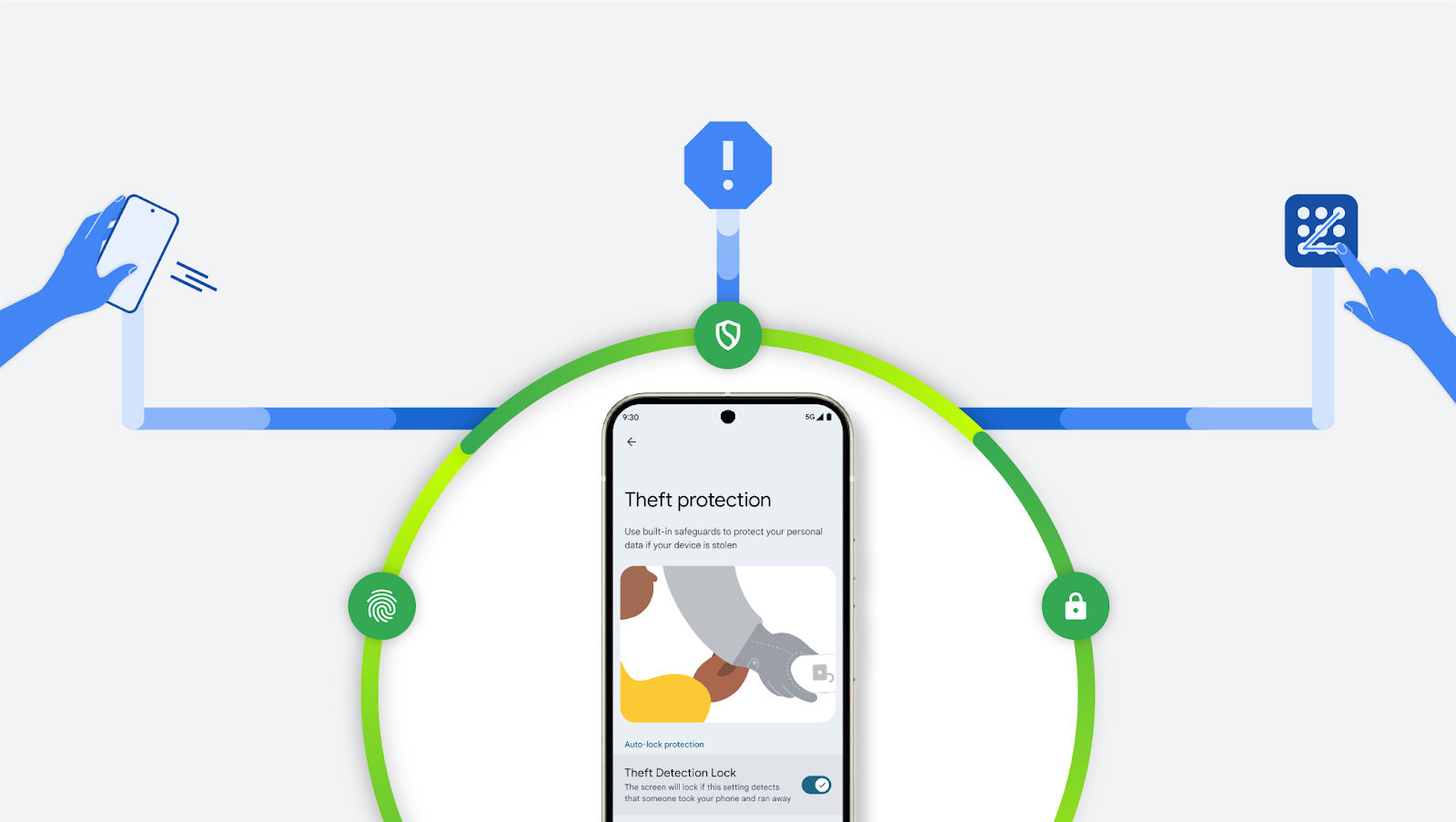
If a thief forcefully snatches your phone out of your hand, a new motion-sensing tool will quickly lock down the display. Furthermore, if that thief kills your connection by pulling your SIM card or switching to Airplane Mode, the Offline Device Lock feature triggers a rapid countdown. Ultimately, these nifty new features successfully avoid annoying false positives by utilizing smart usage limitations and active network checks.
⚡ Quick Facts: Google’s New Security Suite
- Theft Detection Lock: Uses AI and motion sensors to instantly lock your phone if it detects it being snatched from your hand.
- Offline Device Lock: Automatically secures your screen if a thief manually disables Wi-Fi or mobile data.
- Remote Lock: Allows you to lock your device from any web browser simply by using your verified phone number.
- Availability: Broadly available directly through Google Play Services for devices running Android 10 or newer.
🛡️ The Three Pillars of Theft Protection
Even better, you do not have to dig incredibly deep into your device settings to find and activate these measures. As long as your device is running Android 10 or newer, Google automatically bundles the feature directly into Google Play Services. However, keep in mind that some budget smartphones running Android Go Edition with low RAM might lack the full range of these robust security tools.
Theft Detection Lock
This intelligent feature uses motion and sudden disconnection indicators. If your phone is aggressively snatched and moved quickly, the screen locks down automatically. Unsurprisingly, this mirrors the recent industry shift where the Apple iPhone will receive similar accelerometer-based theft protection.
Offline Device Lock
Thieves immediately try to turn off data. This tool kicks in shortly after a network disconnect. Therefore, it keeps your screen protected even if Airplane Mode is enabled.
Remote Lock Web Portal
Visit android.com/lock from any browser. You can secure your phone using just your phone number, entirely bypassing the older Find My Device hub requirements.
⚙️ How to Enable Anti-Theft Features On Android
The primary settings to look for sit squarely under Google’s dedicated Theft Protection menu. Nevertheless, settings menus are not universal across all Android manufacturers. Therefore, you might notice a slight degree of variation depending on your specific device.
For users running Samsung devices—like the heavily anticipated upcoming Galaxy S27 Ultra—the specific menu order is typically straightforward. Navigate through the following path:
Conversely, Google Pixel phones—including devices heavily rumored in the recent Pixel 11 mega-leak—handle this path slightly differently. You will find the tools located here:
The most prominent feature is Theft Detection Lock. Therefore, it is best to start your security journey right there. Once you turn it on and confirm your identity, your device will now actively respond to aggressive or sudden movement.
🔒 Preventing Thieves from Turning Off Your Device
You will never fully take advantage of these powerful Android anti-theft features if you do not use a secure PIN and biometrics. Furthermore, you must utilize a significantly more complicated password than simply using your first name. Besides, Google explicitly requires an active screen lock for the new Identity Check system.
On Pixels and newer Android flagships, Identity Check can periodically re-verify your identity using your biometrics. This becomes especially vital when you wander off your regular beaten path, far away from your secure home or work networks.
Additionally, make sure you actively enable Theft Detection Lock and Offline Device Lock today. Consequently, your phone will automatically lock and remain highly secure, even if the thief violently yanks it offline. If a criminal attempts to power it down or trap it in Airplane Mode, your sensitive data remains completely shielded behind the biometric lock screen.