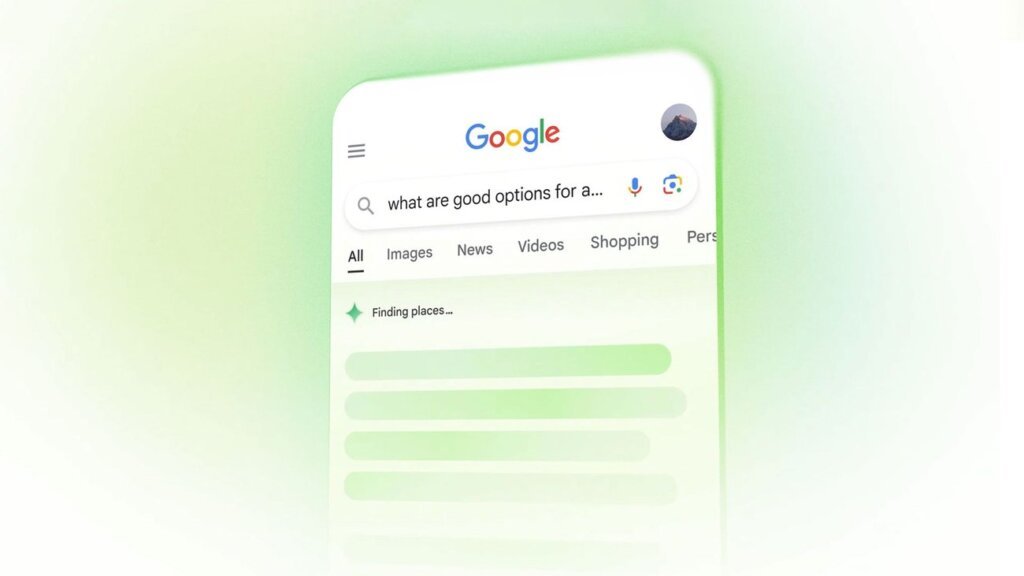
As artificial intelligence continues to dominate the search landscape, Google is aggressively expanding its digital footprint. Consequently, the Mountain View giant is officially making its controversial AI Overviews significantly larger for specific user queries. Instead of merely occupying a small box at the top of the page, the generative AI is now hijacking the entire screen.
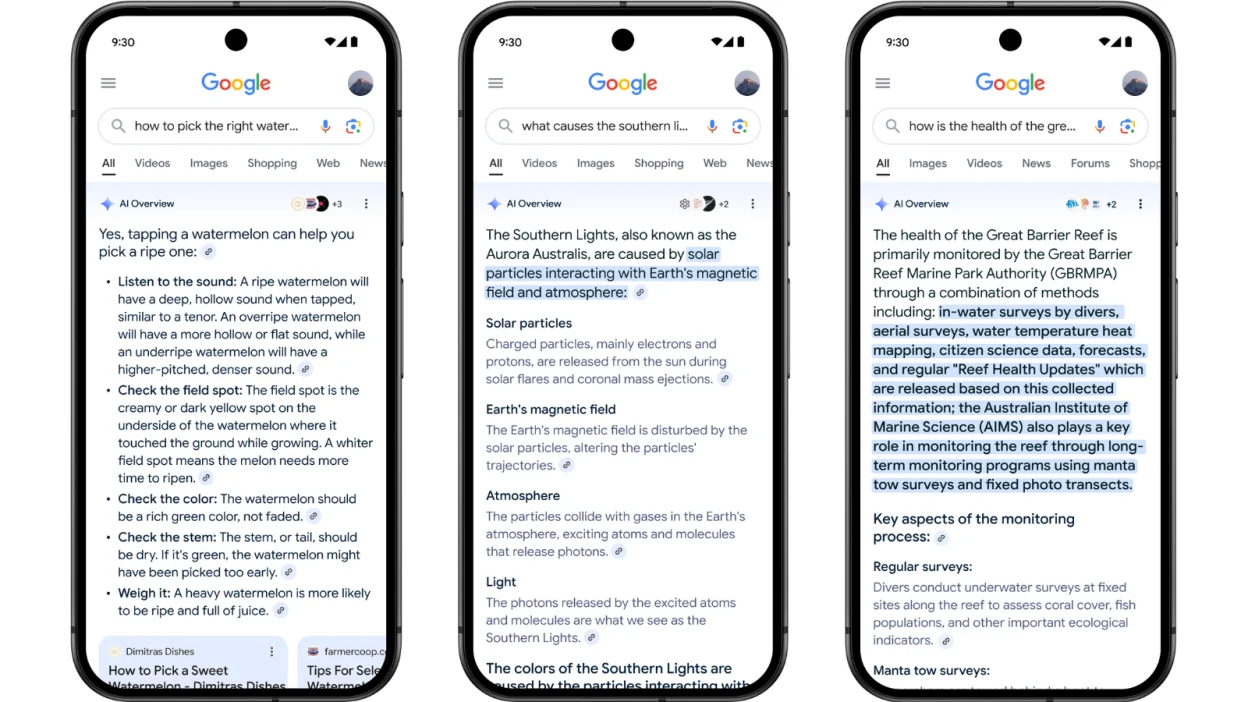
Historically, Google’s AI Overviews provided a concise, AI-generated answer to your prompt. They pulled information from various web links and embedded citations directly into the text. However, SEO expert Chris Long recently spotted a massive UI shift. He noticed that Google now automatically and dynamically expands these AI boxes to consume the entire viewport.
⚡ Quick Facts: AI Overviews Expansion
- The Update: Google is dynamically expanding AI Overviews to take up the entire screen for specific search queries.
- Current Triggers: This full-screen takeover happens most consistently when users search for definitions or factual summaries.
- The Impact: Organic “blue links” are pushed entirely below the fold, likely accelerating the rise of zero-click searches.
- Official Stance: Google claims this dynamic experience helps users “engage deeper in follow-up exploration.”
📈 Google Officially Confirms the Strategy
This is not a limited A/B test or a random glitch. Furthermore, Google officially confirmed this drastic interface update to Search Engine Roundtable. The company firmly believes that bigger is indeed better when it comes to generative answers.
Specifically, this massive expansion triggers most frequently on “definition” queries. When a user asks for the meaning of a word or a brief historical fact, the AI Overview unrolls completely. Therefore, it effectively transforms the search engine results page (SERP) into a singular, closed-loop AI response.
⚠️ The Business Impact on Publishers and SEO
For everyday users looking for quick answers, this update offers undeniable convenience. However, for digital publishers, journalists, and SEO professionals, this full-screen expansion represents a massive threat to web traffic.
📉 The Zero-Click Search Epidemic
Because the AI Overview now occupies the entire visible screen (above the fold) on mobile and desktop, users have zero incentive to scroll down. Consequently, organic traffic to external websites will plummet for these specific query types. The “zero-click search” metric is about to skyrocket.
🔄 The Follow-Up Loop
Google stated they want users to “engage deeper in follow-up exploration.” Ultimately, this means they want users clicking the internal AI follow-up prompts rather than clicking out to your website. Google is actively keeping the user trapped inside its own generative ecosystem.
Ultimately, this visual update reinforces a harsh reality for 2026. If your website relies entirely on answering basic factual questions or defining simple terms, your traffic is effectively gone. To survive this massive AI rollout—and navigate similar industry disruptions like how SearchGPT is already impacting publishers—creators must pivot aggressively toward deep, opinionated, and highly original content that a language model simply cannot replicate.