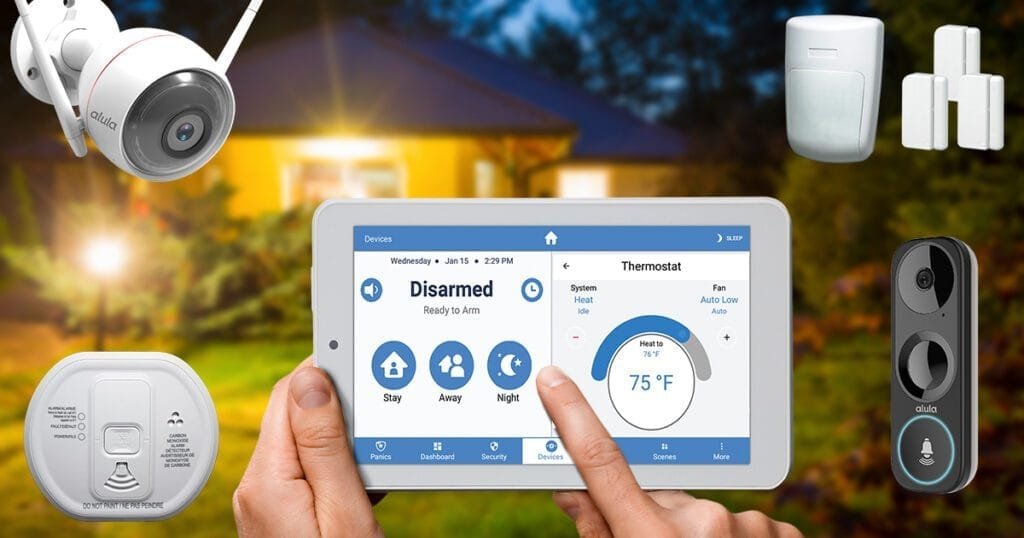
You can secure your smart devices against cyber threats with the same few habits that protect any connected home. Start with the router, because every camera, plug, and speaker passes through it. Consequently, this guide works from the network inward. Furthermore, every step is free.
Key Takeaways
- Change every default password, starting with the router admin login.
- Turn on automatic firmware updates for router and devices.
- Put smart devices on a guest or separate IoT network.
- Enable two-factor authentication on every smart-home account.
Step 1: Secure the Router First
Change the router’s default admin username and password to something unique. Enable WPA3 encryption, or WPA2 if WPA3 is unavailable. Rename the network so it reveals neither your address nor your router model. The Finnish national cyber security authority’s home network and router security guidance puts the router at the centre of home protection in the same way. Then check for a router firmware update before touching any device.
Step 2: Lock Down Each Device and Account
Change every device’s default password during setup, without exception. Use a unique password per account, stored in a password manager. Turn on two-factor authentication wherever the app offers it. Review which devices are connected inside your router’s client list monthly. Disconnect and remove anything you no longer recognise or use.
Step 3: Separate Smart Devices From Your Main Network
Create a guest network or dedicated IoT network on your router. Move cameras, plugs, bulbs, and speakers onto that separate network. Keep phones, laptops, and work computers on the main network instead. If one cheap device is ever compromised, the separation limits what an attacker can reach. This single change contains most real-world smart-home incidents.
Step 4: Keep Updates On and Retire Dead Devices
Enable automatic firmware updates in every device app. Where no automatic option exists, check manually each month. Disable features you never use, especially remote access. Finally, replace any device whose maker has stopped releasing security updates. An unpatched camera or lock is a permanent open door.
In short, secure the router, change every default password, separate the network, and keep updates automatic. Those habits defeat most attacks.