Files keep growing, yet storage choices keep splitting into two camps. The external SSDs vs cloud storage debate decides how you work daily. Consequently, this 2026 guide compares speed, cost, security, and convenience honestly. Furthermore, it ends with a simple rule for choosing each one.
Key Takeaways
- External SSDs win on raw speed and one-time cost.
- Cloud storage wins on anywhere access and automatic backup.
- An SSD can be lost or fail; the cloud depends on your internet.
- Most professionals do best with a hybrid of both.
Speed and Performance: SSDs Still Win
A modern NVMe external SSD over USB-C or Thunderbolt moves huge files in seconds. Cloud transfers, however, can never beat your internet connection’s limits. Therefore, video editors and photographers should work from an SSD daily. Cloud speed feels fine for documents, though. The gap matters mainly with large media.
Access and Convenience: Cloud Wins Anywhere
Cloud files follow you across phone, laptop, and borrowed computers. An SSD, by contrast, only helps when it is physically with you. Consequently, travellers and multi-device workers lean heavily on cloud sync. However, poor connectivity can lock cloud users out entirely. Offline workers should never depend on cloud alone.
Security and Privacy: Different Risks
An SSD keeps data offline and under your direct control. Many drives also offer hardware encryption for extra safety. Its weakness is physical: loss, theft, or damage ends access. Cloud providers encrypt data and keep redundant copies instead. Their weakness is account security, especially weak passwords and phishing. Google’s Drive security guidance shows why strong account protection matters. Enable two-factor authentication everywhere.
Cost: One Payment vs Subscription
You buy an SSD once and own the capacity outright. Cloud storage charges monthly or yearly, forever. Over several years, subscriptions can exceed a drive’s price. However, cloud fees also buy sync, sharing, and version history. Therefore, compare total cost against features you actually use.
The Verdict: Use Both, Deliberately
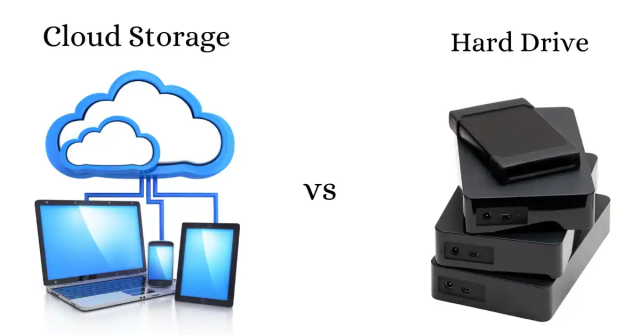
Choose an SSD for large active projects and offline privacy. Choose cloud for backup, sharing, and multi-device access. Ideally, follow the backup habit professionals trust: working copy on SSD, backup copy in cloud. Consequently, one failure never becomes a disaster.
In short, SSDs deliver speed you own, while cloud delivers access you rent. Most readers genuinely need a little of both.