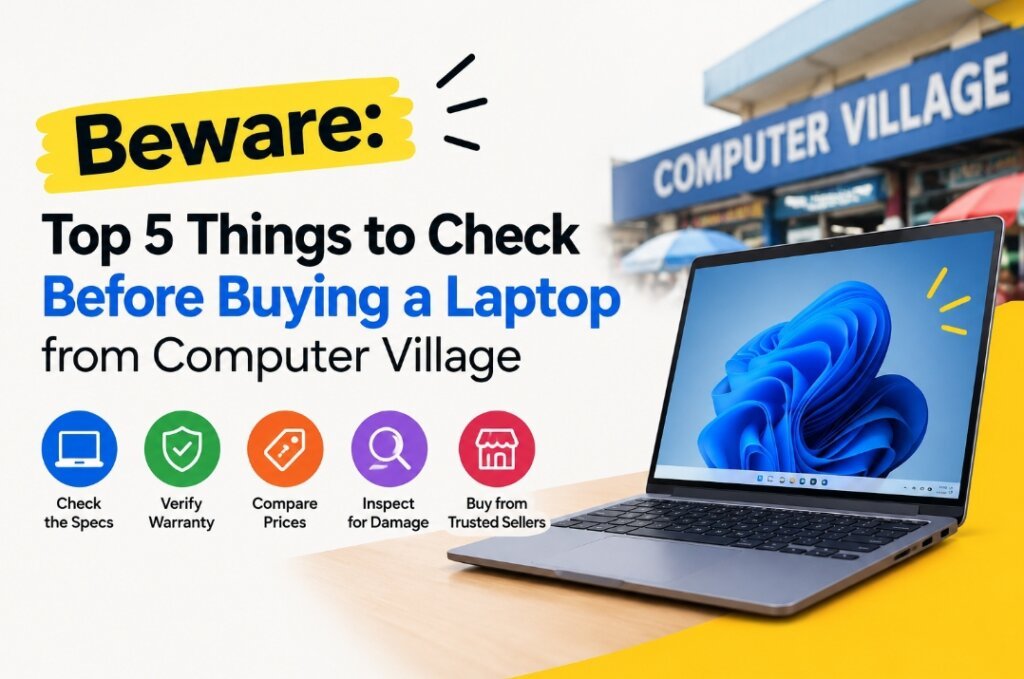
Computer Village in Ikeja, Lagos is one of the biggest technology markets in Nigeria, with thousands of vendors selling laptops, phones, accessories and other electronics. The market can be a good place to find both new and fairly used laptops, but buying there requires some caution.
One of the biggest mistakes a buyer can make is to walk into the market without knowing exactly what they want. A laptop may look clean, run quickly and come with an attractive price, but there could be important details you only discover after taking it home.
If you are planning to buy a laptop from Computer Village, here are five things to check before buying a Laptop before handing over your money.
1.Know If the Laptop Is New, Used or Refurbished
The first thing you need to things to check before buying a Laptop is to establish is the actual condition of the laptop.
Do not simply accept a seller saying that a laptop is “UK used,” “foreign used,” “clean used” or “like new.” Inquire straightaway if the laptop is brand new, or is in fact manufacturer-refurbished, seller-refurbished, or previously owned.
There is a significant difference between these categories.
A fairly used laptop may have been used for several years before arriving in Nigeria. It may still be a great machine, but you need to understand what you’re getting for the price.
The rising acceptance of used laptops in Nigeria is due to the escalating cost of new computers that are increasingly less accessible to many consumers. The Guardian has also reported that people are buying more laptops that are fairly made as the price of new laptops went up.
Before buying, ask the seller to show you the laptop’s model number and serial number. Look up the exact model number online and compare the original specifications with the ones that they are offering you.
2. Check the Battery Health
It is one of the most crucial things to check before buying a laptop, particularly if you are purchasing a used laptop.
A laptop can look almost brand new on the outside while having a badly worn battery.
Don’t simply ask, “How long does the battery last? Test it yourself.
You can create a battery report by running the following command on Windows:
powercfg /batteryreport
Information that can be displayed on the report includes the original battery capacity, and the current full-charge capacity. If there is a large gap between the two readings, the battery is very worn out.
Also, remove the laptop from the laptop charger and use the laptop for some minutes. Watch how quickly the battery percentage drops.
If the battery drops from 80 percent to 70 percent charge very rapidly while carrying out light activity, that should be investigated before purchase.
After buying a laptop, replacing the battery might incur an additional expense, so it’s best to be aware of its condition before purchase.
3. Do not assume what you see on the outside is what you get on the inside.
Just because a laptop is clean doesn’t mean it’s in great shape.
Some used laptops can look surprisingly new even after significant use. This is why it is important to test the important parts instead of judging the machine by how it looks.
Press each key on the keyboard, one at a time. Test the trackpad. Open and close the laptop several times to make sure the hinges are not loose. Check for bright spots, lines and unusual colors or shades on the screen for dead pixels. Another important things to check before buying a laptop is to
Test all important ports as well.
Plug in any USB device into the USB ports. If possible, check the headphone jack. Test HDMI and USB-C, charging port, Wi-Fi and Bluetooth. If laptop has a webcam, open the webcam program and run a test.
Likewise with the speaker and microphone.
Do not allow a seller to rush you through these checks simply because there are other customers waiting.
4. Check the Exact Specifications
This is where many inexperienced buyers can make an expensive mistake.
A seller could claim to have a Core i7 laptop or a Dell Core i5 laptop, but it doesn’t tell you much.
There are different generations of Core i5 and Core i7 processors. An older core i7 processor can actually offer lower performance than a much newer core i5 processor.
The exact processor model, RAM, storage type, storage capacity, screen resolution and graphics processor should be checked.
For instance, the distinction between a laptop equipped with a 512GB SSD and a laptop equipped with a 512GB hard drive is huge. Typically, an SSD will deliver a significantly improved daily performance.
Also another things to check before buying a Laptop whether the advertised RAM is actually installed.
For Windows, go to Settings > System > About and view the processor and amount of installed RAM. You can also open Task Manager and check the Performance section for additional information.
When purchasing a laptop for programming, video editing, gaming, or graphic design and data analysis, ensure that the specifications align with the tasks you will be performing.
A good laptop guide can help you avoid purchasing a laptop that appears great in theory, but isn’t suitable for your intended usage.
5. Get a Receipt and Understand the Warranty
Another rule if things to check before buying a Laptop is Don’t assume that you can just return the laptop if something goes wrong.
Talk with the seller about its return policy and warranty prior to paying. Be sure to determine what is covered by the warranty and for how long.
Get a proper receipt showing the laptop model, price, date of purchase and seller information.
This is particularly crucial if you find an issue after you’ve left the market.
Computer Village has been taking steps to improve vendor identification and security. In 2025, market leadership announced biometric registration of vendors and said registered vendors would be required to display identification cards.
It doesn’t mean all sellers are automatically trustworthy, however. It is still advisable to keep details of the shop and the seller you’ve bought from.
If the seller is hesitant to supply a receipt or is uncomfortable providing it when you ask, it is a red flag that something is wrong.
Slow Down: Don’t Let Anyone Rush You
There’s another rule that’s pretty straightforward: don’t be rushed into a purchase.
Computer Village may be noisy and crowded, especially for those who have never visited before. The presence of individuals who show up at the shoppers and guide them to specific sellers, often receiving commission for any sales made has been reported.
This doesn’t imply that all those assisting you are lying to you. However, it is sensible to know where your recommendation is coming from and whether the person has a financial interest in your purchase.
If you already know the laptop model you want, go directly to reputable sellers, compare prices and test multiple units where possible.
Do not buy the first laptop you see simply because someone tells you it is the “last one” or that the price will suddenly increase.
Compare the Price Before You Go!
Before you visit Computer Village, do some research.
Look up the laptop model on the internet and compare prices from trusted online retailers or authorized brand stores in Nigeria. This will give you a ballpark figure of the value of the laptop.
Prices in Computer Village can change because of exchange rates, importation costs, stock availability and other market factors. In Nigeria, prices of laptops and gadgets have seen huge fluctuations in businessday due to currency fluctuations and importation costs.
If you have a general idea of the market price, you will be in a far better position when it comes time to negotiate.
If anybody offers you the laptop with an unbelievably low price then don’t jump for joy just yet. Why is the cost of this cheaper?
Final Thoughts
Not all computers bought from Computer Village are bad computers! There are some legitimate businesses in the market, big technology brands, and a huge selection of computers. In fact, ASUS opened its first West African flagship experience store at 16 Otigba Street in Computer Village in 2026, showing that the area continues to attract major technology businesses.
The problem is going into the market unprepared.
Make sure to inquire if the laptop is a new or used one, inspect the battery, trial hardware, the exact specifications, and obtain proper documentation before making payment.
Most importantly, avoid making the decision based on excitement or pressure.
Don’t get me wrong, a good laptop guidez is more than just about the processor or the brand that you must purchase. It’s also about understanding how to examine the machine and safeguard yourself as the purchaser.
If you take your time, and test the laptop adequately before buying, you significantly cut down the probability of finding a pricey surprise as soon as you arrive home.
That, is the actual rule to keep in mind: Test first, verify everything, then pay.