In 2026, choosing between an AI Laptop and a Regular Laptop isn’t just about technical specifications anymore. It’s about how you work, create, and solve problems. With artificial intelligence now integrated into hardware and software, laptops today go beyond running apps—they can help you think, automate tasks, and boost productivity in ways traditional laptops can’t.
This article simplifies the differences between Regular Laptop vs AI Laptop. You’ll learn what each is best for, where one outshines the other, and how to decide which suits your needs.
What’s the Difference Between AI Laptops and Regular Laptops?
Regular Laptops
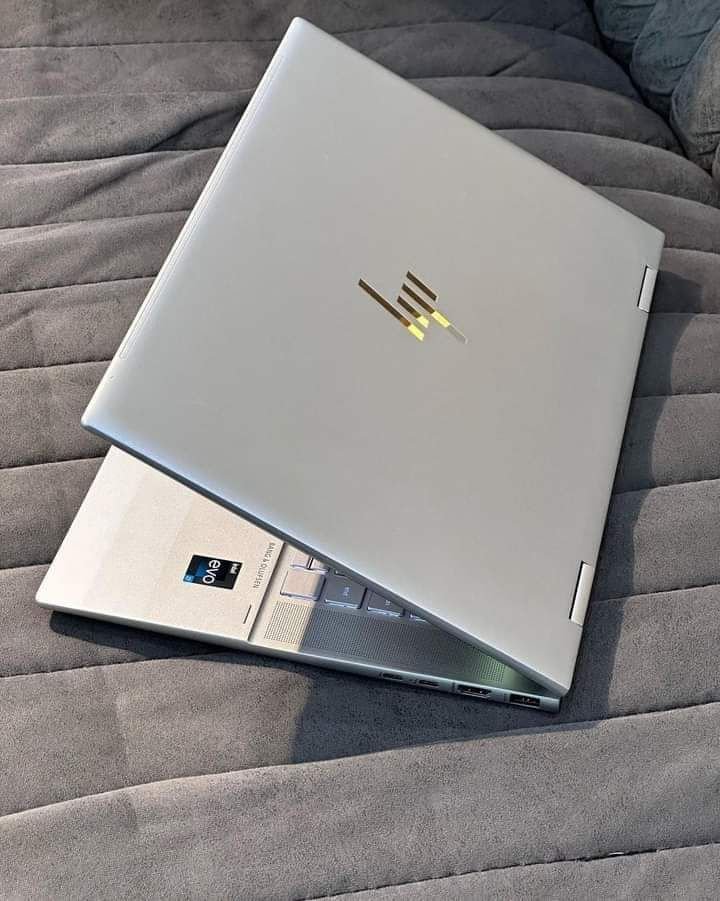
A regular laptop is the type most people are familiar with — a portable computer with a CPU, RAM, storage, and an operating system like Windows, macOS, or Linux. These laptops run programs you install and require manual input for most tasks.
AI Laptops
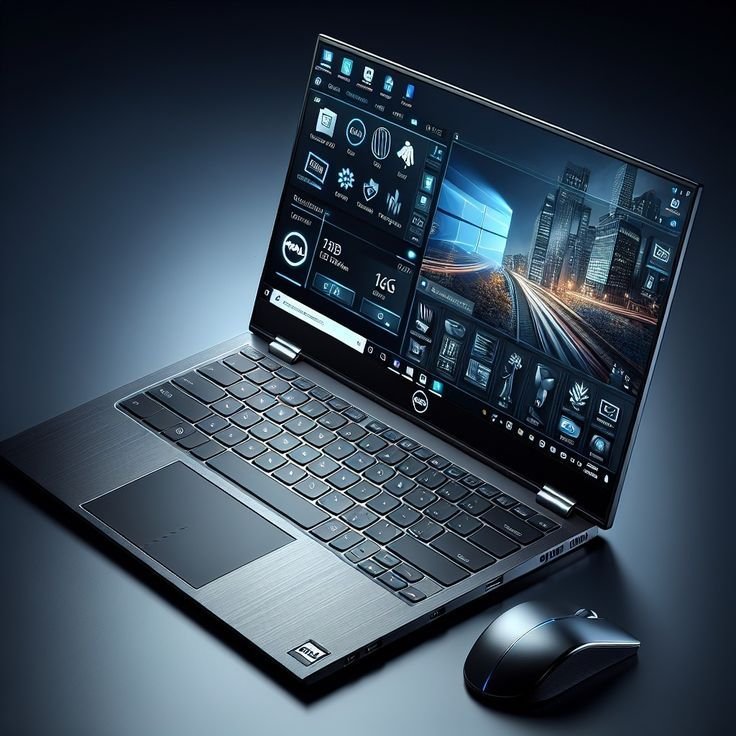
AI laptops, however, are built with specialized hardware and software to handle artificial intelligence tasks. They don’t just run apps; they actively assist with tasks like reasoning, content creation, coding, and image generation. Key features include:
- Dedicated AI processors or NPUs (Neural Processing Units): Hardware designed for machine learning and generative AI.
- Integrated AI tools at the OS level: Features for writing, summarizing, translating, and automating workflows.
- Optimized performance for AI workloads: Faster responses in apps that use AI.
The main difference isn’t raw speed — it’s the intelligence and workflow enhancements AI laptops bring.
Performance and Everyday Use

For basic tasks like web browsing, email, spreadsheets, and light media editing, regular laptops still perform reliably. Modern models with mid-range processors (e.g., Intel Core Ultra or AMD Ryzen AI) handle everyday work smoothly.
But when you compare AI PC vs Traditional Laptop for modern productivity, an AI-powered machine pulls ahead in efficiency:
- Instant document summarization: Analyze a 20-page report and get key points in seconds.
- Writing assistance: Draft emails or blog posts directly from prompts without switching apps.
- Real-time language translation: Translate text while adapting tone and context.
- Task automation: Generate code, clean data, or create slides from outlines effortlessly.
While regular laptops can run AI tools, they often rely on cloud processing, which slows workflows and requires more manual input.
Creative Work and Content Generation.
This is where the gap in the Regular Laptop vs AI Laptop debate becomes very noticeable.
AI laptop 2026 benefit writers, designers, and video editors, since AI is included in their set of tools:
Image generation: Create visuals or mood boards directly within editing apps.
Smart editing suggestions: Improve grammar, tone, and structure instantly.
Audio processing: Enhance podcasts or voiceovers with AI tools.
Video editing: Automatically suggest cuts or color grading.
Even with the regular laptop, there is still a need to use separate software and manual work. You post files to cloud solutions, wait to receive responses, and edit outputs. That will work, but it is not as fast or integrated.
Gaming and Graphics.
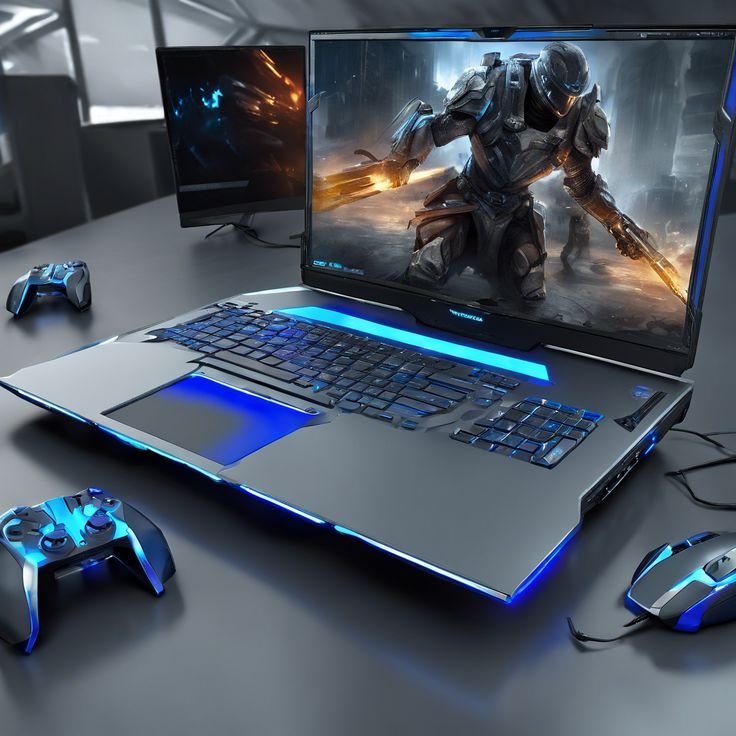
Gaming remains dependent on GPUs, but AI laptops introduce additional benefits:
Upscaling games and video with AI enhances the game or video quality in lower resolutions. The dynamic balance between the frame rate and quality is smart performance optimization.
Games with AI chat helpers are useful in interacting with NPCs or real-time strategy.
The gaming can still be done using a standard laptop with a good GPU. It simply does not have intelligent capabilities of performance and in-game AI assistance, except when you employ third-party cloud services.
Therefore, in the case of conventional gaming an AI laptop may not be necessary, but in the context of streaming, making clips, or creative work it is a value addition.
Privacy and Security
AI laptops often process tasks locally using NPUs, reducing the need for cloud-based AI services. This improves privacy and minimizes the risk of sensitive data leaks.
Regular laptops, on the other hand, rely on cloud processing for advanced AI tasks, which exposes data to internet networks and third-party servers. However, they benefit from mature security ecosystems, including hardware-level encryption and long update cycles.
Battery Life and Heat
The cost of AI processing is power; hence, early AI laptops were prone to reduced battery life under hard load. In 2026, producers refined AI laptops:
- Smarter power gating – AI chips activate when necessary.
- Variable refresh rate displays.
- Less power consuming NPUs that can perform the same task as CPUs or GPUs with less power.
Unless you are a heavy reader, or an emailer, then a standard laptop can last longer than an AI model, as it does not have to use power-intensive AI cores.
Think about the most frequent use of your laptop, and make a decision.
Cost and Value
Should I buy an AI PC? AI laptops generally cost more due to their specialized hardware and software. However, prices are becoming more competitive:
- Entry-level AI laptops: Now priced similarly to mid-tier regular laptops.
- Premium AI laptops: Still command higher prices for advanced NPUs and faster memory.
If your focus is on traditional computing tasks like office apps, browsing, and basic media, regular laptops offer excellent value. But if you want productivity and creativity enhancements, the extra cost of an AI laptop is worth it for the time saved and smoother workflows.
Final Thoughts
Choosing between an Regular Laptop vs AI Laptop in 2026 depends on your needs. Regular laptops are reliable for everyday tasks, while AI laptops offer advanced features that enhance productivity, creativity, and efficiency. Consider how you work, create, and play to make the best choice for your lifestyle.