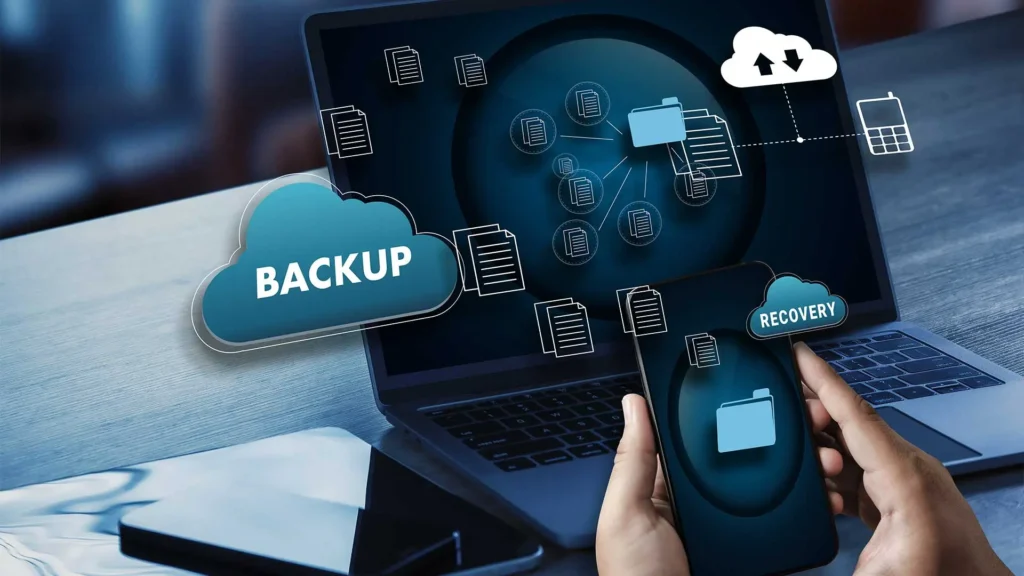
As the year comes to an end, most people are busy planning goals, organizing their digital lives, and getting ready for the new year. But there’s one thing we often forget until it’s too late—protecting our digital data. Your photos, videos, documents, work files, school projects, contacts, and personal memories all live inside your devices, yet we rarely think about what would happen if one day they suddenly disappeared. That’s why learning how to back up your phone and laptop safely isn’t just a tech routine—it’s a form of insurance for your digital life.
It helps you leave behind chaos and step into 2026 with confidence, knowing your important files are safe, organized, and recoverable.
Why Backing up is important than ever.
There is a lot more in your devices than you know. A single drop of data, a stolen cell phone, virus, system failure, or a random update can destroy years of memories and work. I have witnessed others losing their whole photo albums, schoolwork, business proposals, and even their financial records all due to lack of seriousness in taking backups.
When you know how to back up your phone and laptop safely, you eliminate the risks that you do not need and guard yourself against such losses. And frankly, there is no better experience than having the knowledge that everything of value is replicated in a secure place.
Read More: How to Create the Perfect Tech Setup for Work or School in 2026
Start by Understanding What Should Be Backed Up.
You should first of all know the type of data you are interested in protecting. Each digital life will be unique but the majority of us will be required to protect the following:
- Photos and videos
- Contacts and messages
- Important documents
- School or work files
- App data
- Saved passwords
- Downloads and media files
The fast self-assessment will allow you to be aware of what you really need so as not to waste storage space by backing up unnecessary things.
How to Back up your phone the right way.
Your phone is likely to be the most used device hence it should be given priority. Luckily, Android and iPhone have a very easy way of making backups.
iPhone Backup
When you are on an iPhone you can do two things:
- iCloud Backup (Recommended)
Photos, settings, messages, app data and preferences are automatically saved to iCloud. When you switch it on, you do not need to think about it anymore.
What you need:
- Enough iCloud storage
- Wi-Fi connection
- Your Apple ID
- Computer Backup (Mac or Windows)
In case you want to use offline backup, you may simply connect your iPhone to the computer and backup all the data using Finder (Mac OS) or iTunes (Windows). This provides total control without having to pay any cloud storage.
Read Also: How to Protect Your Devices From Hackers During Christmas Holiday Shopping
Android Backup
Android also provides you with options on backup:
- Google Backup
On the same note, once your Google Backup is activated, your contacts, photos, apps, messages and settings automatically back up. It is easy and compatible with all Android brands. - Cloud Services of manufacturer.
Samsung Cloud, Xiaomi Cloud, OnePlus Cloud, and many others give you the opportunity to save the selected information safely on the Internet. - Local Backup
Another way is connecting your Android device with your laptop and transfer files manually, which is the best solution in case you need control and privacy.
Making these phone backups a habit is one of the smartest steps in learning how to back up your phone and laptop safely before the year ends.
Backing Up Your Laptop Safely and Efficiently
Your laptop usually holds heavier and more important files—school projects, business documents, designs, downloads, and sometimes confidential information. To maintain full protection, you need a combination of cloud backups and physical storage.
Use Cloud Storage for Everyday Files
Cloud services give you easy access anywhere. You can upload documents, photos, and work files and retrieve them on any device.
Reliable cloud options include:
- Google Drive
- OneDrive
- iCloud Drive
- Dropbox
Cloud storage is especially useful if you switch between devices often or work remotely. It keeps everything synced and updated.
External Hard Drives for Full Control
If you want a backup that doesn’t depend on the internet, an external hard drive is perfect. Just plug it into your laptop and copy important folders manually or use built-in tools like:
- File History (Windows)
- Time Machine (Mac)
Physical backups are extremely reliable because they are not connected to the internet, making them safe from hacking or ransomware.
Use Both for Maximum Security
Tech experts recommend using two backup methods—one cloud-based and one physical. If one fails, the other saves you. This is what makes your data truly secure.
How Often Should You Back Up?
Others will only back up after something has gone wrong. But it is best to make it a habit.
Here’s a simple schedule:
- Phone: Weekly/automatic backups.
- Laptop: Every one to two weeks
- Large files: Monthly
- Sensitive documents: As soon as possible.
The more frequently you make a backup, the less you stand to lose.
Securing Your Backups against security risks.
It is one thing to back up but quite another to keep your backups safe. With the growth in cyber threats, you should ensure your storage is secured.
Here’s what you should do:
- Use strong, unique passwords
- Enabling two-factor authentication.
- Keep your devices updated
- Do not save sensitive files in a common or shared computer.
- Install an external drive and encrypt it.
This is because even when somebody gains access to your back-up gadgets or cloud storage, he/she would not have access to open up your files.
Getting Ready to the New Year in Peace.
Once you have completed the entire procedure of how to back up your phone and laptop safely, you enter the new year in clarity. There is no longer a concern of losing your contacts, photos or even vital files. You are also better organized and more productive since you are not handling lost documents or lost data.
See the backups as a clean slate, a clean digital surface where nothing goes to waste and nothing is lost. It is among the most significant Internet-related habits you can make prior to the end of the year.
Conclusion
One of the most clever things that you can do before 2026 is to get to know how to back up your phone and laptop safely. It spares you of stress, keeps your memory intact and your work and school files safe. You may choose between cloud storage, external drives, and automatic system backups, however, the idea is to ensure that you never lose what is important.
Start today. Protect your devices, clean up your files, and enter the new year with a clear mind and no worries.